Sharing Your Records
The Sharing tab has two parts: Connections and SMART Health Link generation.
Connections
See which organizations you're sharing records with. Connections fall into three groups:
- Active — organizations currently receiving your records. Tap one to view your Signed Consent or End Sharing.
- Inactive — organizations previously shared with but no longer active. Tap to review the request and resync if applicable.
- Available — services you can connect to, such as Claude and Copilot Health.
SMART Health Link generation
Patients can create SMART Health Links to instantly share their connected health record. Click Create Share Link to start:
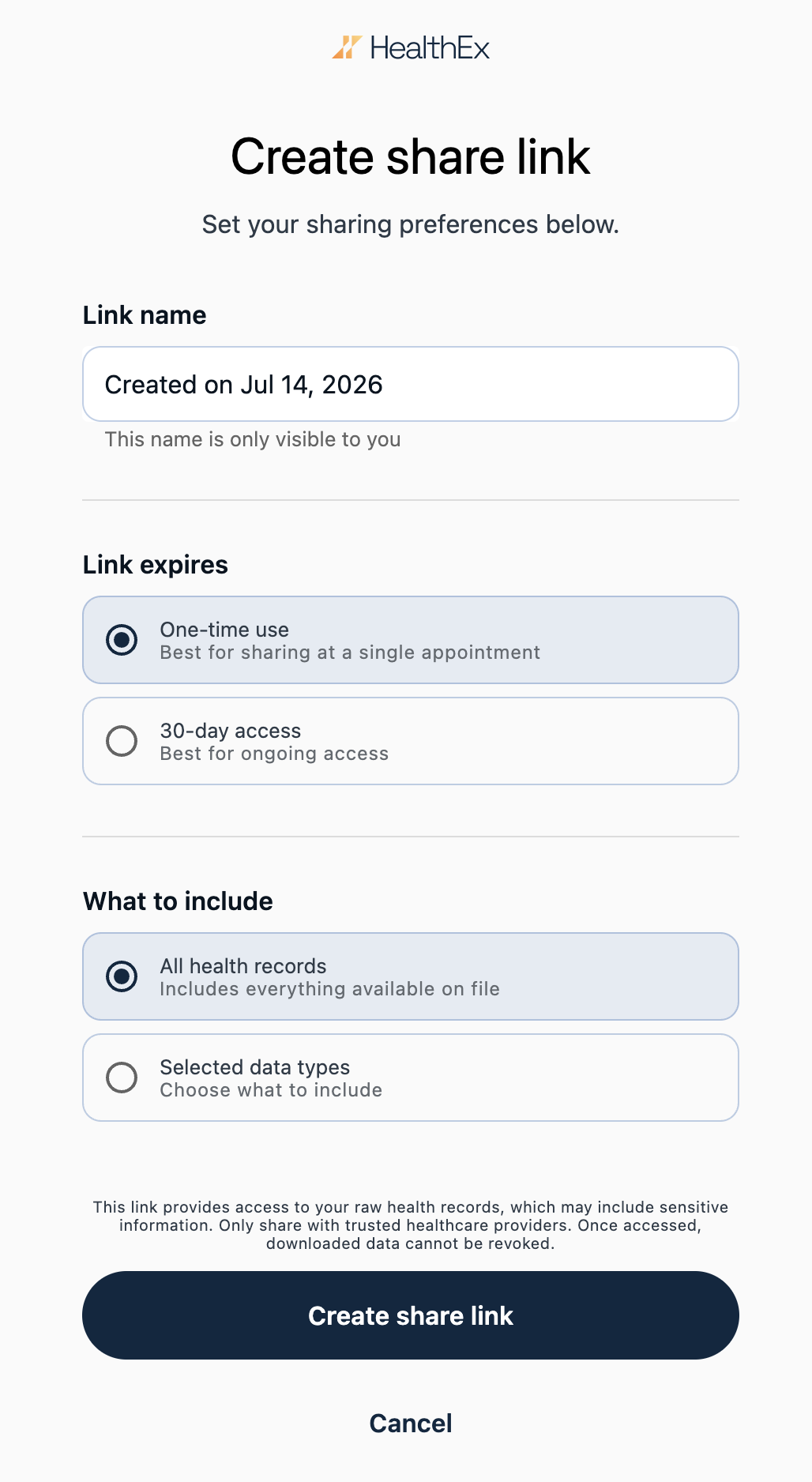
- Add a Link Name for reference (e.g., "Primary Care").
- Select a Link Expiry — one-time use, or 30 days for ongoing access.
- Choose What to Include — share all health records, or select specific data types such as Conditions, Medications, or Labs.
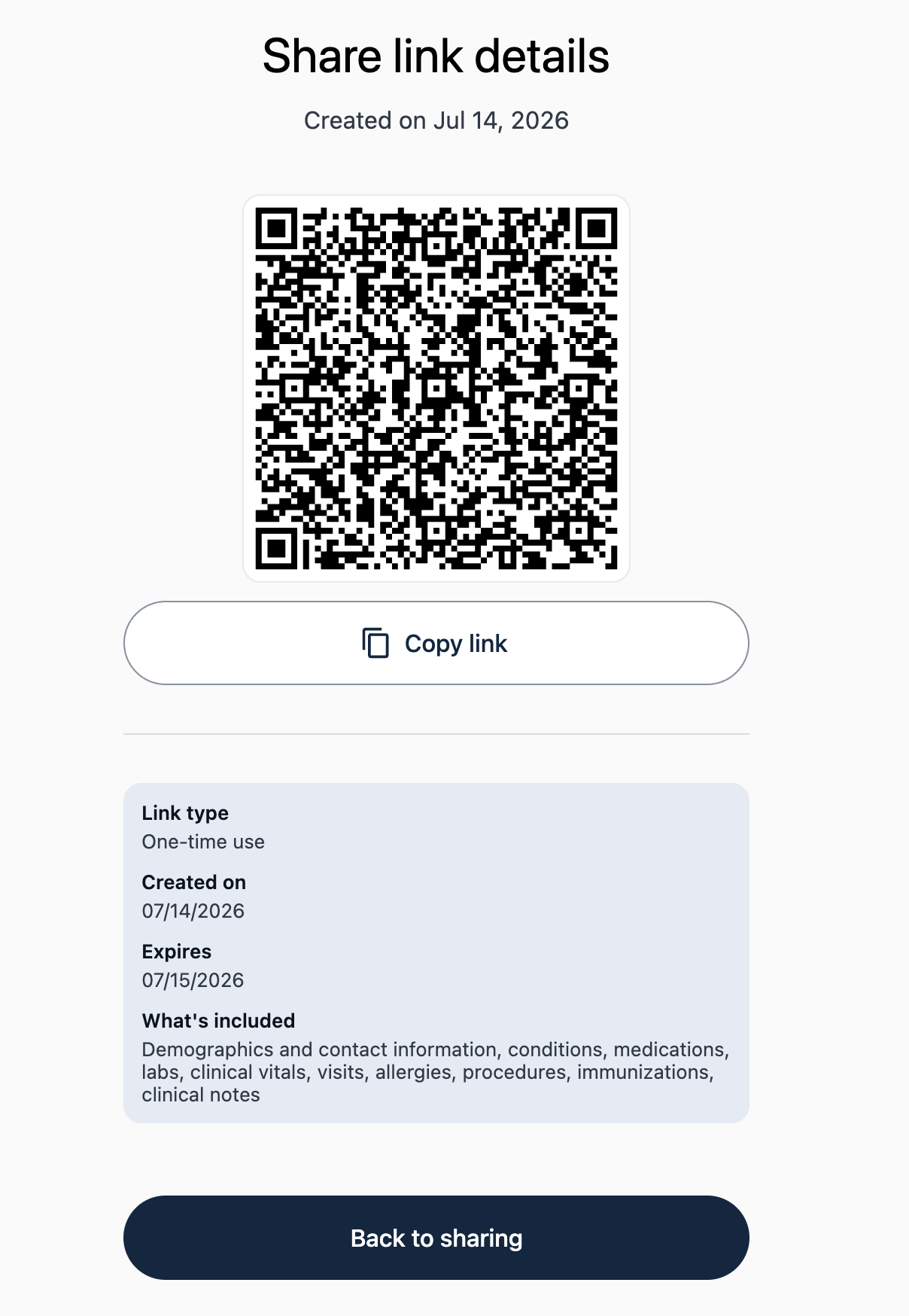
- Click Create Share Link to generate a QR code and link to share with your provider.
Next: Managing Your Profile.